Create
Advanced
Material Forms
{with JSON schema}

Why Use MuiForms?

Compare traditional form development with MuiForms to understand the huge difference in productivity and code quality.

Without MuiFormsWith MuiForms
Manual state management for each field, leading to boilerplate code and potential bugsDeclarative JSON schema defines the entire form, reducing code by up to 90% and state management not required
Repetitive JSX for form elements, increasing development time and maintenance overheadReusable schemas for consistent forms across applications
Custom validation logic scattered across components, hard to reuse and testBuilt-in validation logic within the JSON schema, easy to reuse and test and custom validations
No built-in support for complex layouts, requiring additional CSS or layout librariesOut-of-the-box responsive layouts and Material-UI styling
API integration for dynamic fields (e.g., dropdowns) needs custom implementationEasy API integration for dynamic options and data loading
Limited responsiveness and styling consistency without deep MUI knowledgeBuilt-in responsive design and Material-UI styling
Difficult to implement conditional logic, often requiring complex state checksConditional fields and dependencies handled via schema configuration
TypeScript support is manual, prone to errors in form data typingFull TypeScript support with inferred types from schemas
Code Example
Traditional React
// 70+ lines of boilerplate
function RegistrationForm() {
  const [firstName, setFirstName] = useState('');
  const [email, setEmail] = useState('');
  const [password, setPassword] = useState('');
  const [errors, setErrors] = useState({});

  const validateEmail = (email) => {
    return email.match(/^[^@]+@[^@]+\.[^@]+$/);
  };

  const handleSubmit = (e) => {
    e.preventDefault();
    const newErrors = {};
    
    if (!firstName.trim()) 
      newErrors.firstName = 'Required';
    if (!validateEmail(email)) 
      newErrors.email = 'Invalid';
    if (password.length < 8) 
      newErrors.password = 'Min 8 chars';
    
    if (Object.keys(newErrors).length > 0) {
      setErrors(newErrors);
      return;
    }

    console.log({ firstName, email, password });
  };

  return (
    <Box component="form" onSubmit={handleSubmit}>
      <TextField 
        label="First Name"
        value={firstName}
        onChange={(e) => setFirstName(e.target.value)}
        error={!!errors.firstName}
        helperText={errors.firstName}
        styles={{
            marginBottom: '20px'
            marginTop: '20px'
            marginRight: '20px'
        }}
        fullWidth
      />
      {/* More fields... */}
    </Box>
  );
}
Code Example
MuiForms
// Simple JSON schema
const schema = {
  fields: [
    {
      name: "firstName",
      meta: {
        displayName: "First Name",
        displayType: "text",
        validation: {
          required: true
        }
      }
    },
    {
      name: "email",
      meta: {
        displayName: "Email",
        displayType: "email",
        validation: {
          required: true,
          pattern: {
            value: "^[^@]+@[^@]+\.[^@]+$",
            errorMsg: "Invalid"
          }
        }
      }
    },
    {
      name: "password",
      meta: {
        displayName: "Password",
        displayType: "password",
        validation: {
          required: true,
          minLength: {
            value: 8,
            errorMsg: "Min 8 chars"
          }
        }
      }
    }
  ]
};

// Component
<MuiForms 
  schema={schema} 
  onSubmit={(data) => console.log(data)}
/>

Examples


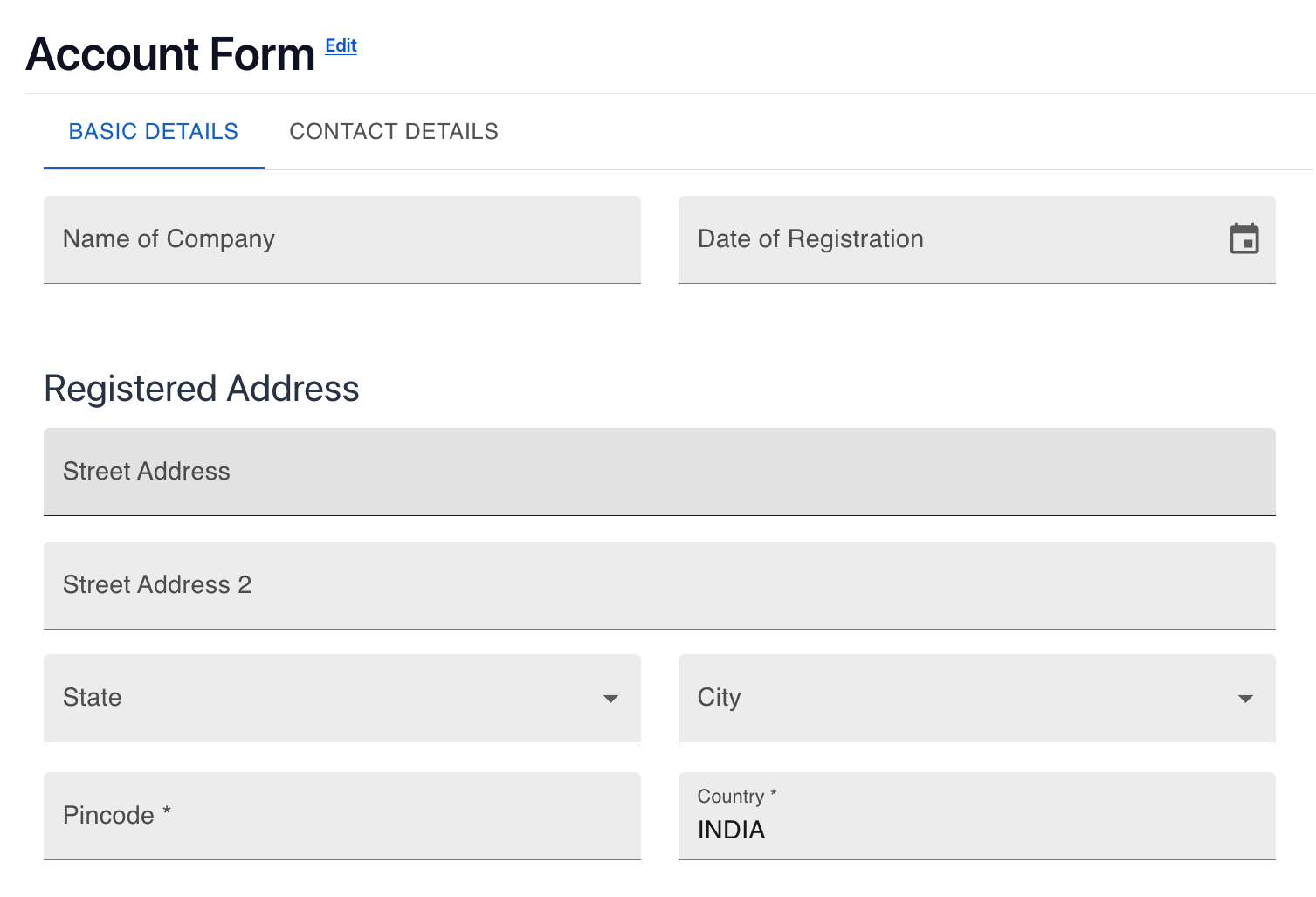
form

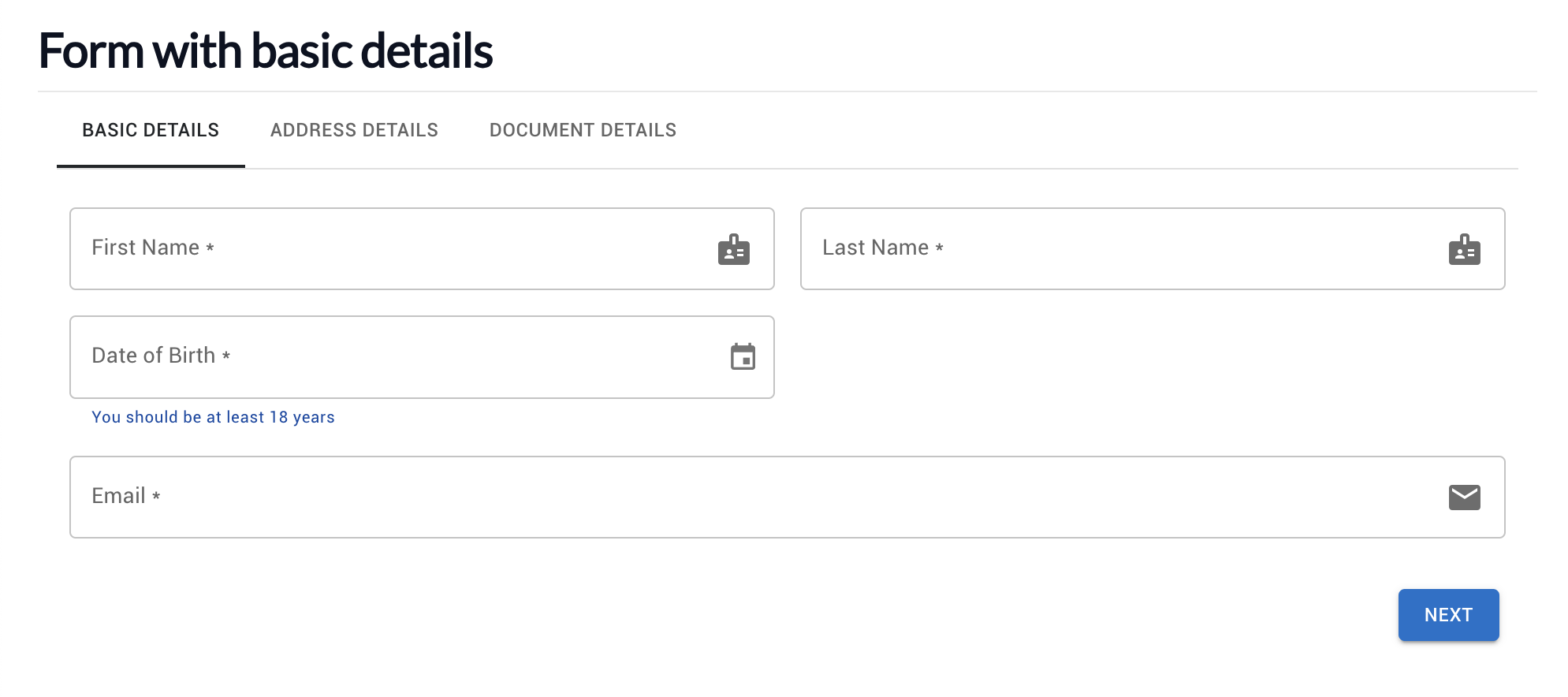
Form With Basic Details

form

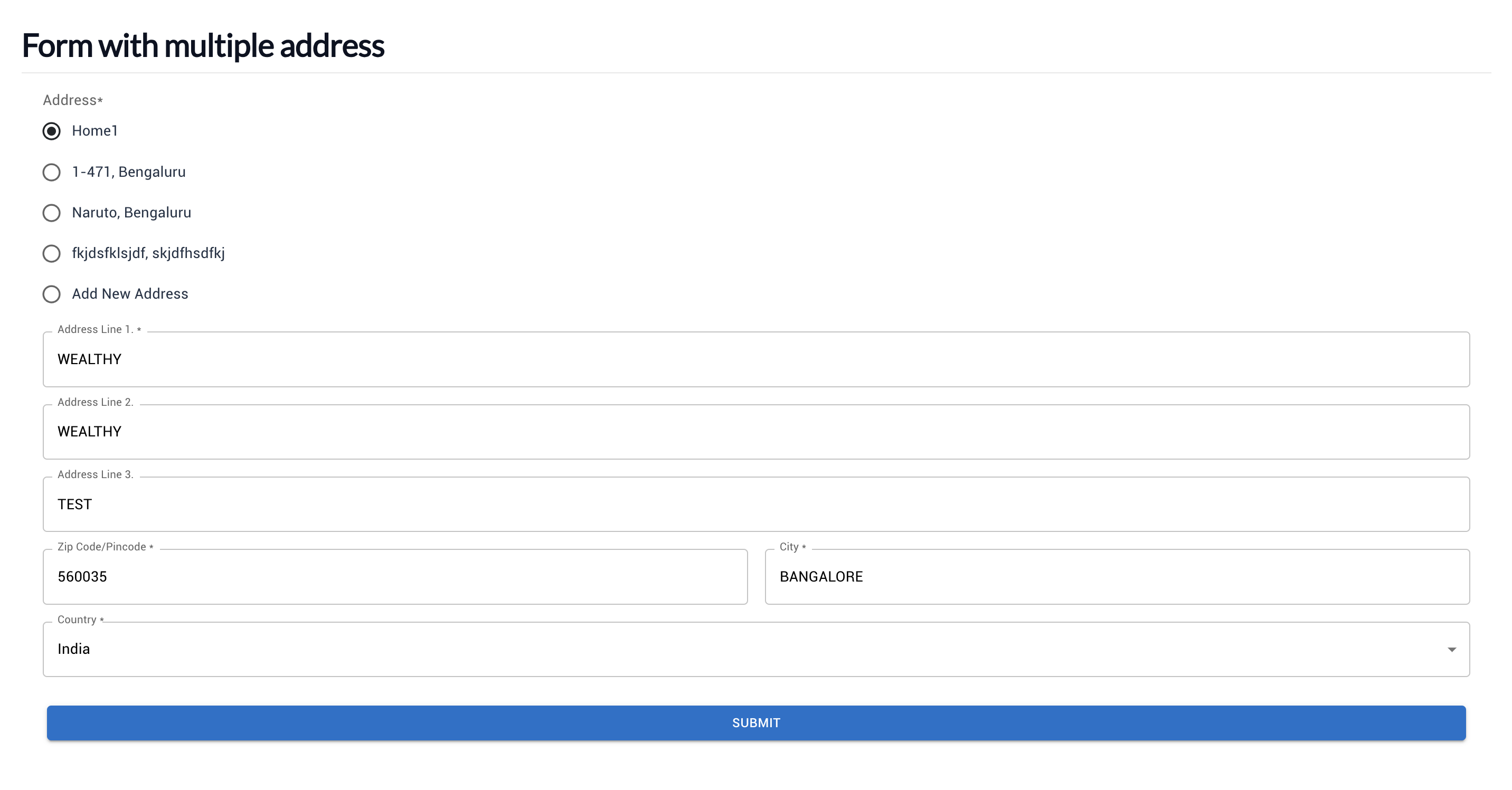
Form With Multiple Address

form

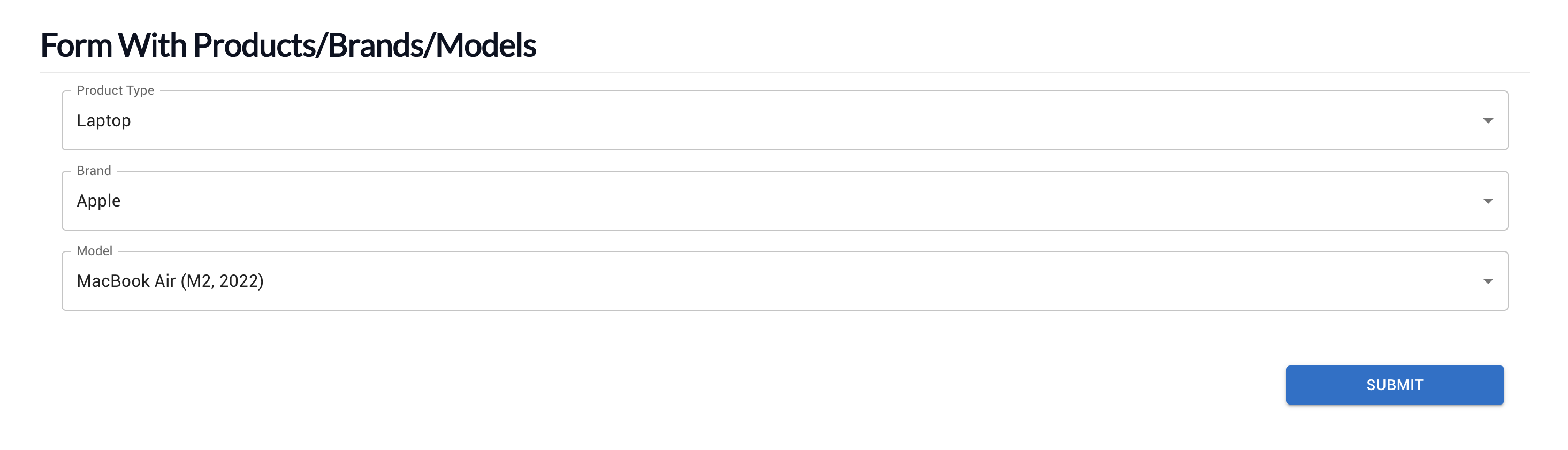
Form With Products

form

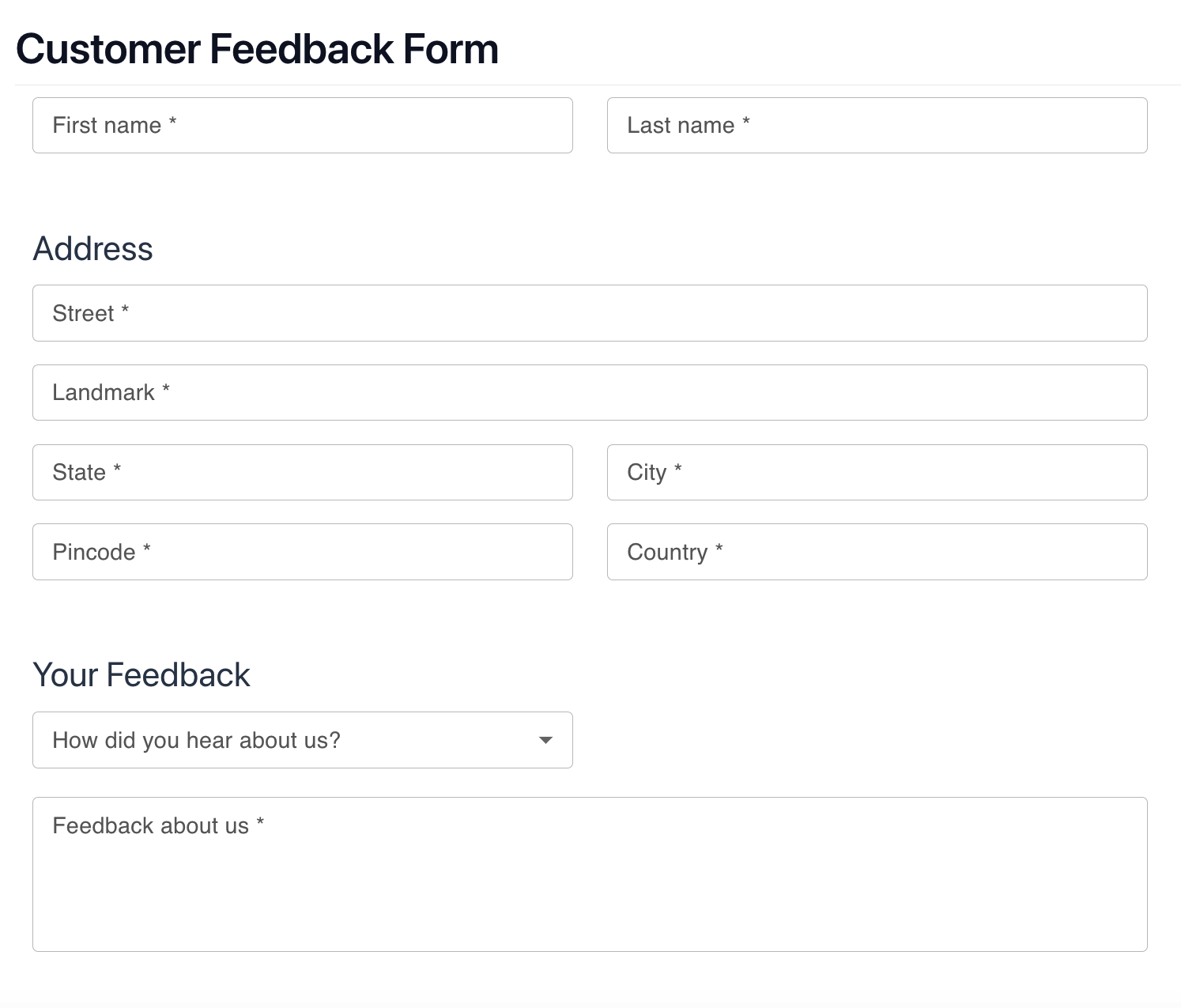
Customer Feedback Form

form

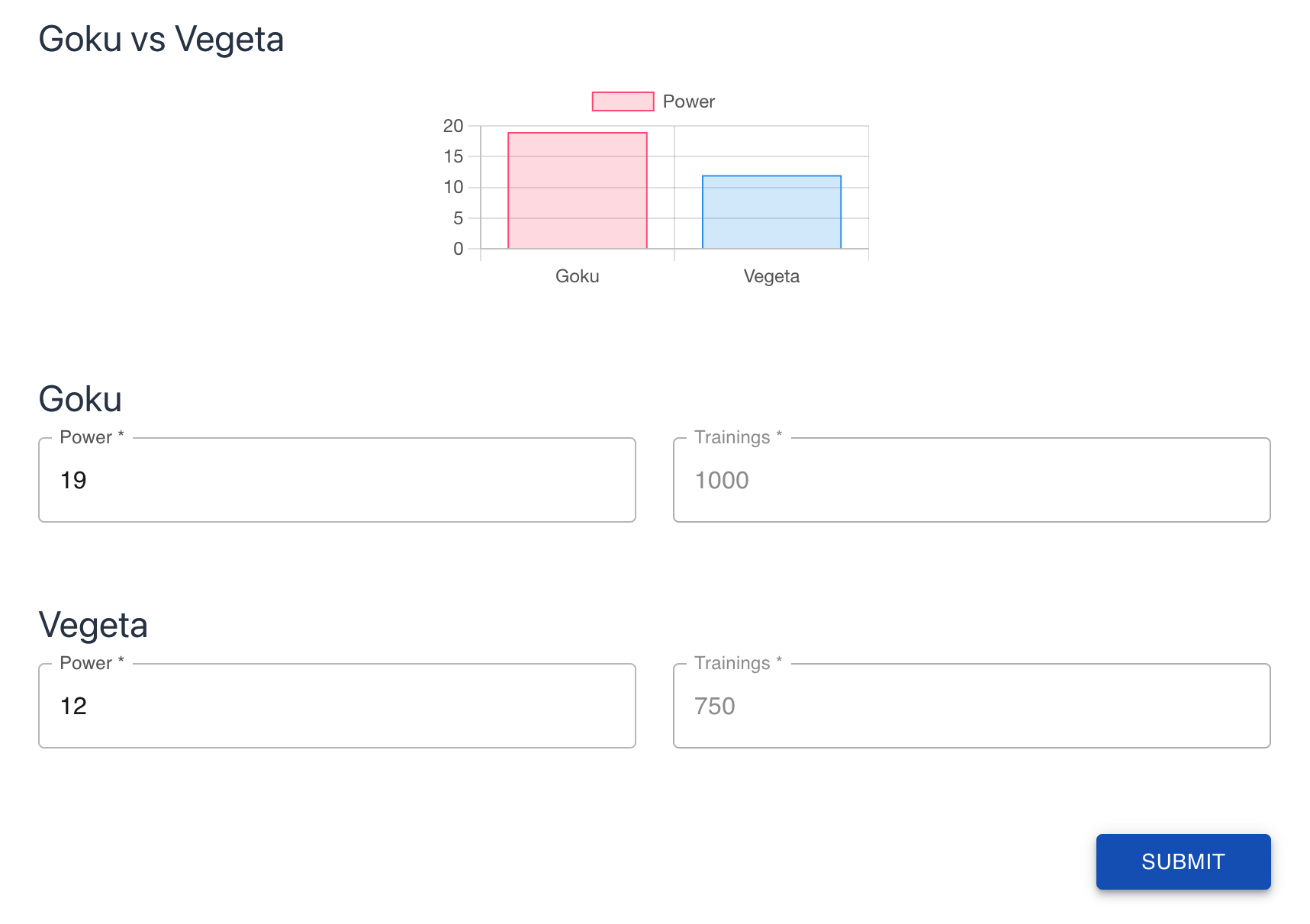
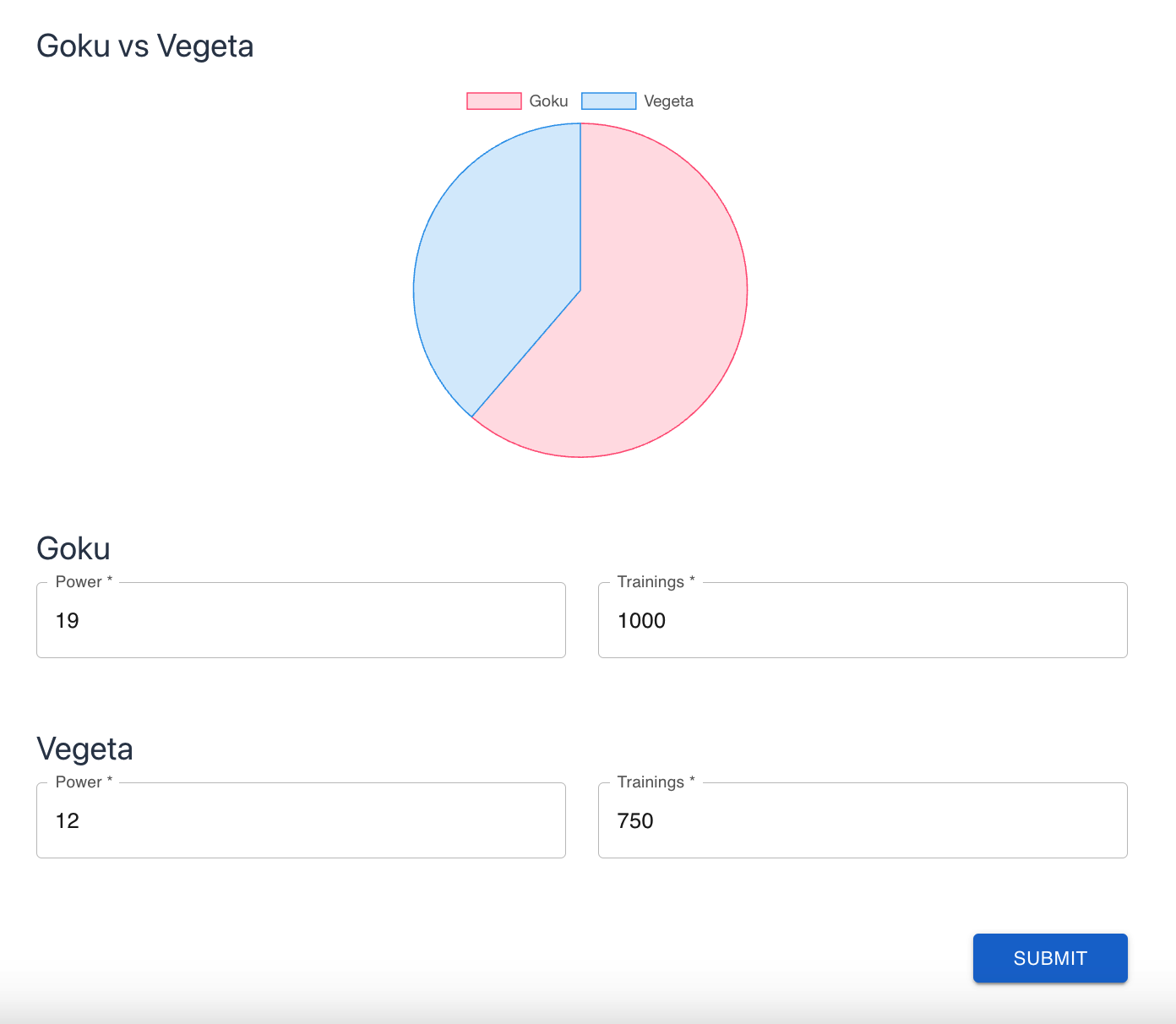
Interactive Score chart

form

Custom Score chart

form

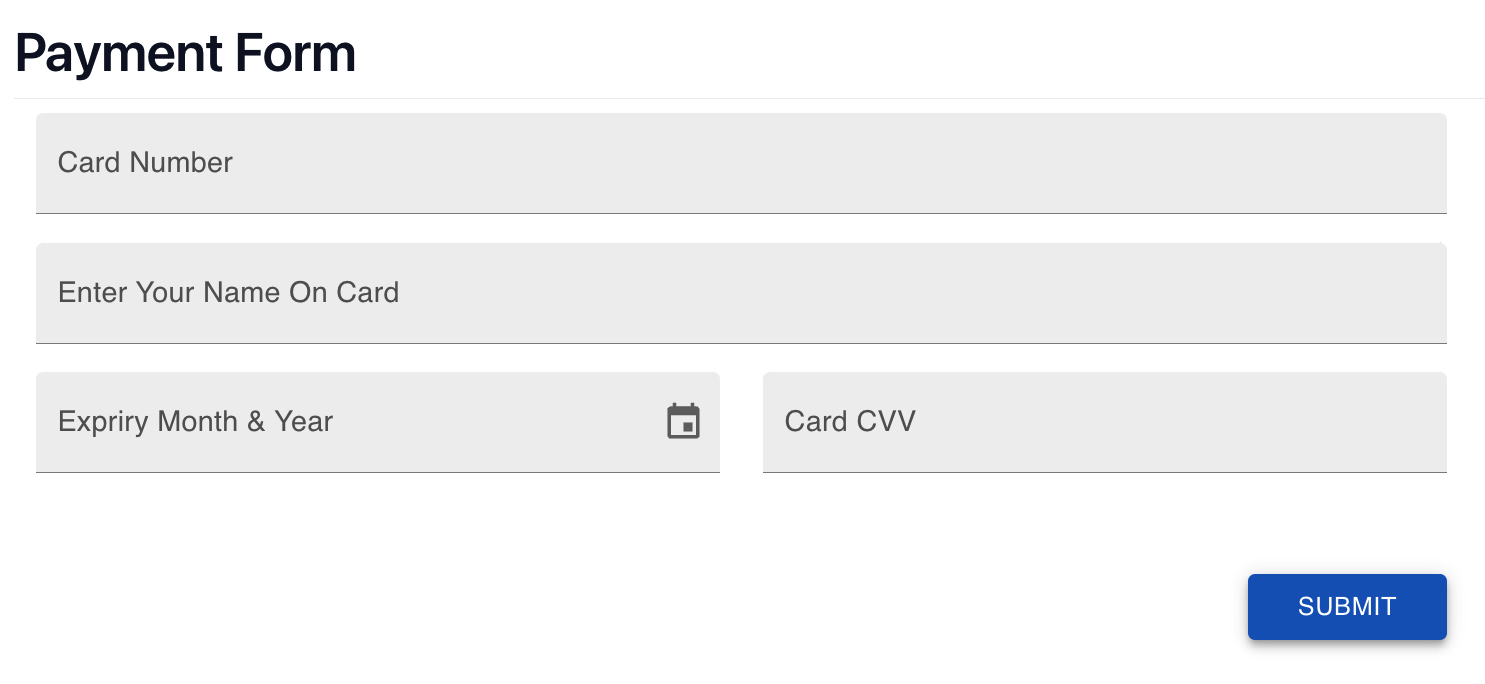
Payment Form

form

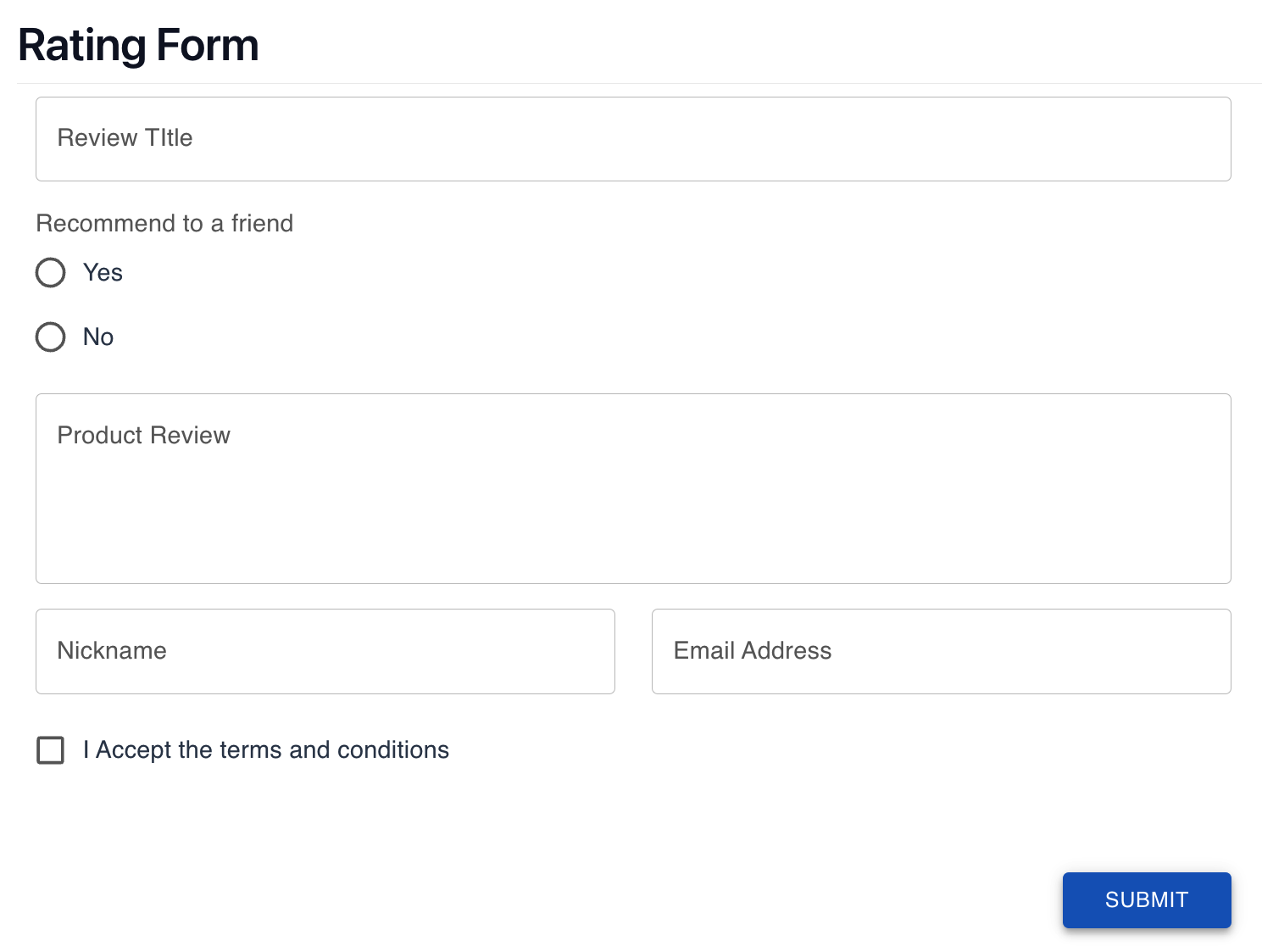
Rating Form

form

Account Opening Form

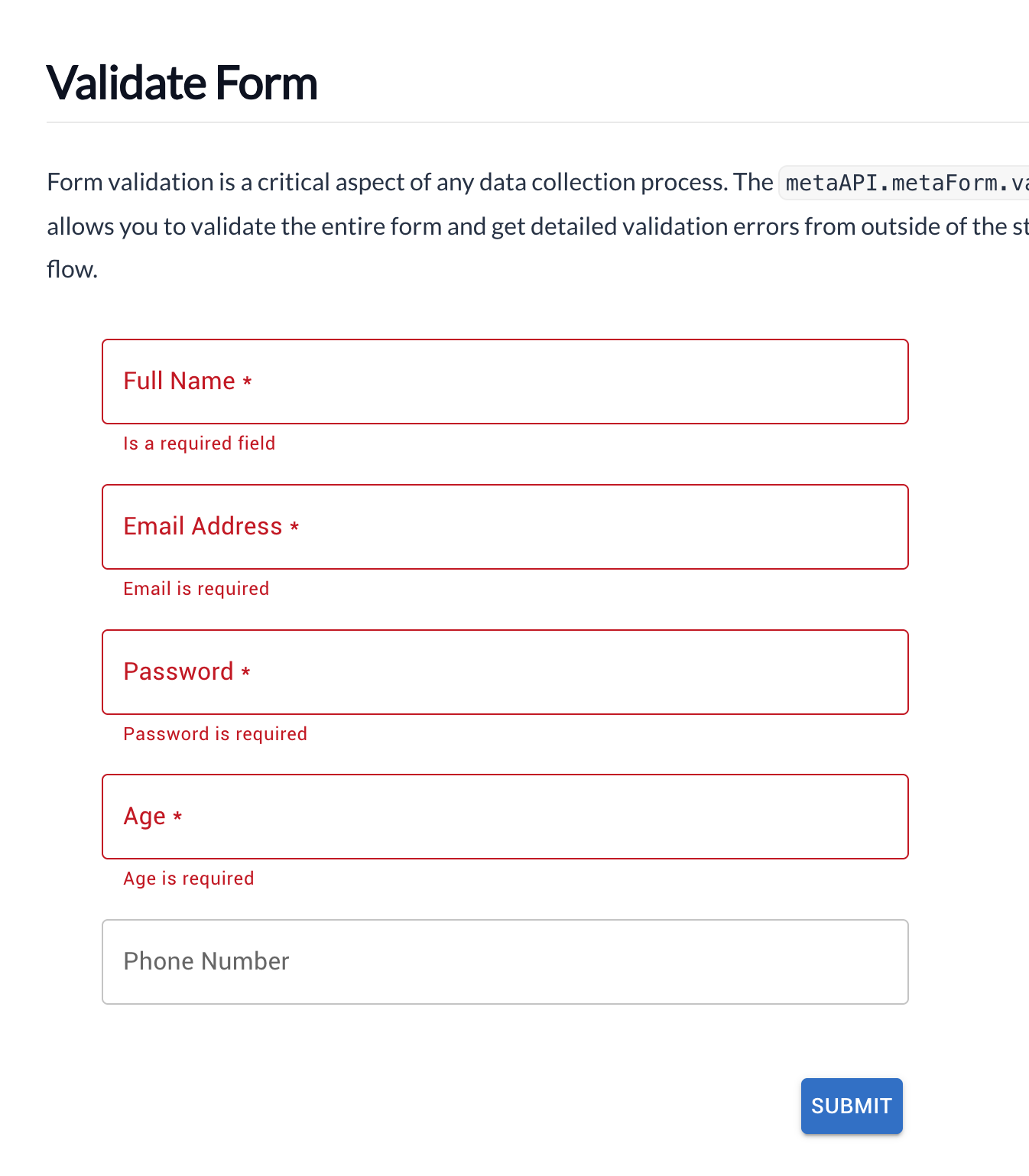
form

Validate Form

Key Features


  • Material UI Components
  • Custom components
  • Easily define field relationships
  • Production ready
  • Mobile ready
  • Extensible

Star us at github

© Copyright 2023 MuiForms